AI productivity tools, how to automate your day without writing code
We're now past the point where AI tools are just for tech nerds.
If you're a freelancer, content creator, remote worker, or small team operator, chances are you've felt the pressure to do more in less time.
That’s where AI-powered automation tools shine—not just by doing the work for you, but by thinking ahead of you.
This post walks you through the smartest ways to automate daily workflows using accessible AI tools—no coding required.
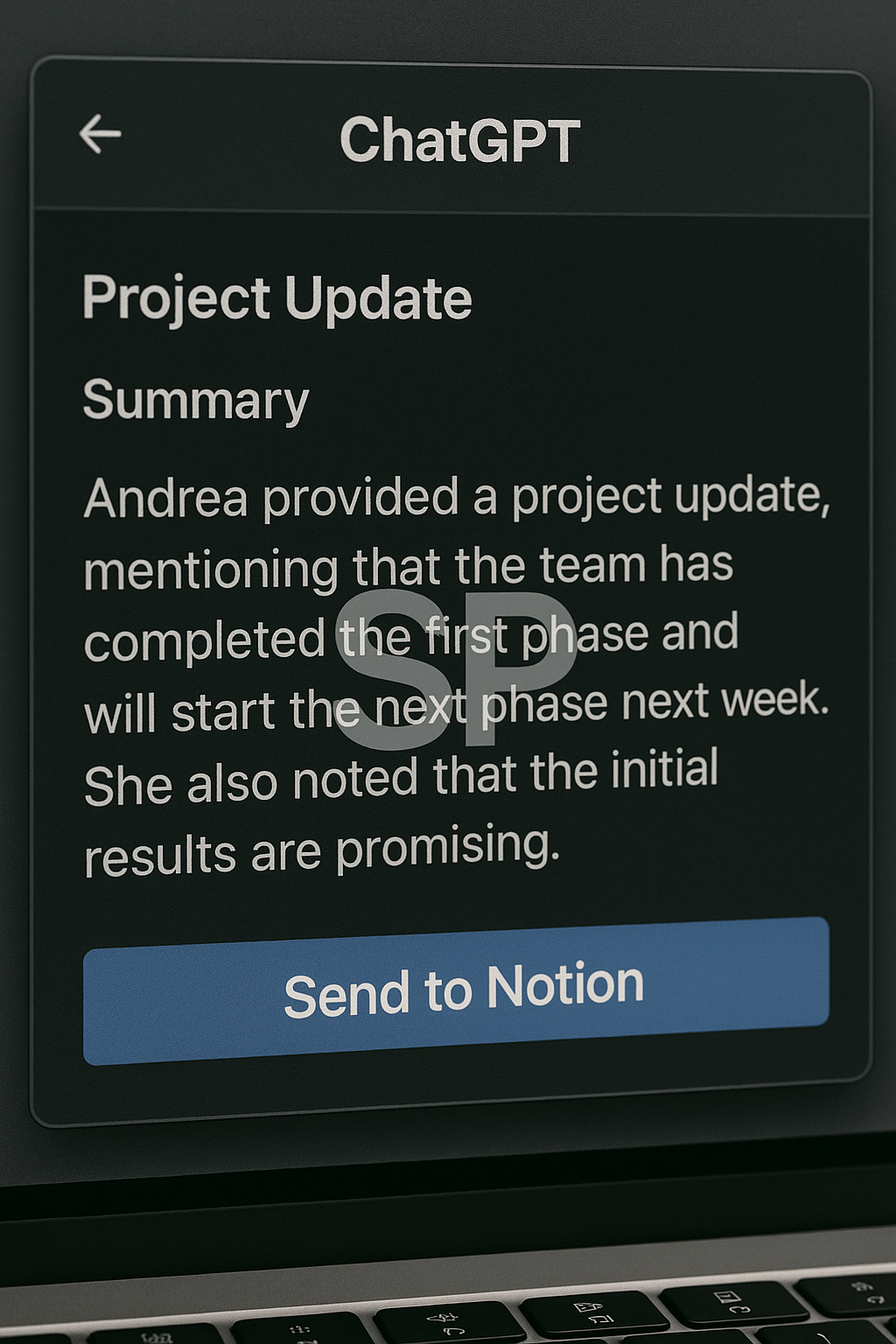
Start with where you waste the most time
You don’t need a full automation suite to get started.
Begin with a simple question:
→ What’s something I do every single day that feels repetitive or brainless?
Examples:
Manually renaming downloaded files
Copy-pasting meeting notes into task managers
Searching emails for attachments
Rewriting emails or social media captions
Updating the same document for different clients
Once you identify these, you can start matching them with tools that handle it better.
Top AI tools for automation without code
Here are tools that anyone can start with—even if you’ve never used Zapier:
ChatGPT + Zapier/Make: For content repurposing, email summarization, document generation
Notion AI: Write, summarize, rephrase, and structure notes directly in your workspace
Tana: AI-powered daily log and tag-based automation for knowledge workers
ScribeHow: Automatically generates visual SOPs (standard operating procedures)
Magical: AI-powered text expansion with dynamic variables (great for support or sales)
Bardeen: Chrome extension that triggers workflows based on your browser behavior
Voiceflow: Build AI agents or assistants for onboarding or support—no code required
Use the 'trigger → action → output' model
No-code automation still follows the classic logic of:
Trigger: When something happens (e.g. “new email with PDF”)
Action: Do something (e.g. “summarize with ChatGPT”)
Output: Result delivered (e.g. “save summary to Notion or send to Slack”)
Even tools like Make or Bardeen use this model.
You don’t need to build from scratch—just remix pre-built workflows.
High-leverage workflows for solo operators
Some of the best use cases require minimal setup:
✨ Daily briefing bot: Pulls calendar + email + news → sends morning digest to Slack
✨ Auto-tagged meeting notes: Zoom transcript → auto-organized in Notion
✨ Client report generation: Input metrics → AI formats it into PDF with charts
✨ Social content repurposing: One blog → auto-generate 5 tweets, 1 carousel, and 1 email
✨ Inbox triage system: Email filter → sort by urgency + AI suggests reply

Each of these replaces at least 30–60 mins per day. That’s not just productivity—it’s reclaiming your focus.
Don’t build a system—grow it slowly
The biggest mistake? Trying to automate everything at once.
Instead:
Start with 1 workflow
Use it daily for 1 week
Tweak it based on friction
Then move to the next one
Automation isn’t a one-and-done project—it’s a living system that adapts to your habits.
Let’s face it—most of us waste hours on tasks that feel urgent but aren't important.
You know the ones: responding to every email instantly, formatting documents just right, or digging through old messages to find a link.
The best thing automation can do for you isn’t just speed things up—it’s freeing your brain from constant context switching.
Don’t chase complexity—chase clarity
It’s tempting to get caught in the excitement of “what else can I automate?”
But the goal isn’t to have 100 automations running silently in the background.
It’s to build a few that create disproportionate returns.
Here’s how one creator structured his week using just 3 automations:
Weekly Content Summary Bot
Scrapes top posts from a chosen subreddit
Sends 5 curated ideas with summaries to Notion
Use case: Content inspiration
End-of-day Reflection Generator
Pulls calendar events + tracked tasks
Uses AI to auto-summarize the day
Use case: Build consistency with minimal input
Client Asset Organizer
Drag-and-drop uploads → auto-named + stored in specific folders
Use case: Save mental energy on logistics
The entire setup took ~2 hours, and it saves him 6–8 hours/week.
Stack your tools, don’t silo them
One powerful habit:
Think in “tool flows” instead of “tool features.”
Bad example:
→ “Notion is for notes, Zapier is for triggers, and that’s it.”
Better approach:
→ “I use Notion to write, which triggers a Zap to cross-post to Ghost blog, and then triggers Make to schedule LinkedIn posts.”
See the difference?
Notion ≠ notes
It becomes your content engine
Zapier ≠ automation platform
It becomes your distribution pipeline
This mindset shift multiplies how much you can do with tools you’re already using.
Automation and energy management go hand-in-hand
It’s not just about saving time—it’s about saving focus.
If you automate:
Inbox sorting → fewer emotional interruptions
Calendar scheduling → no more rescheduling stress
Content repurposing → more creative headroom
Meeting follow-ups → no guilt about forgetting
Then you free up creative energy for what actually matters: building, thinking, leading.
Many creators say that just 2–3 smart automations improved their mood and momentum more than any productivity app ever did.
Avoid this one trap: automation without intent
Tools can become busywork in disguise.
Ask yourself before setting up any automation:
Is this solving a problem I truly have?
Will I actually use this daily/weekly?
If it broke tomorrow, would I miss it?
If the answer is “eh, maybe not”—then skip it.
Automation is most powerful when it follows friction, not fantasy.
Your next step: build your 1st AI-powered system
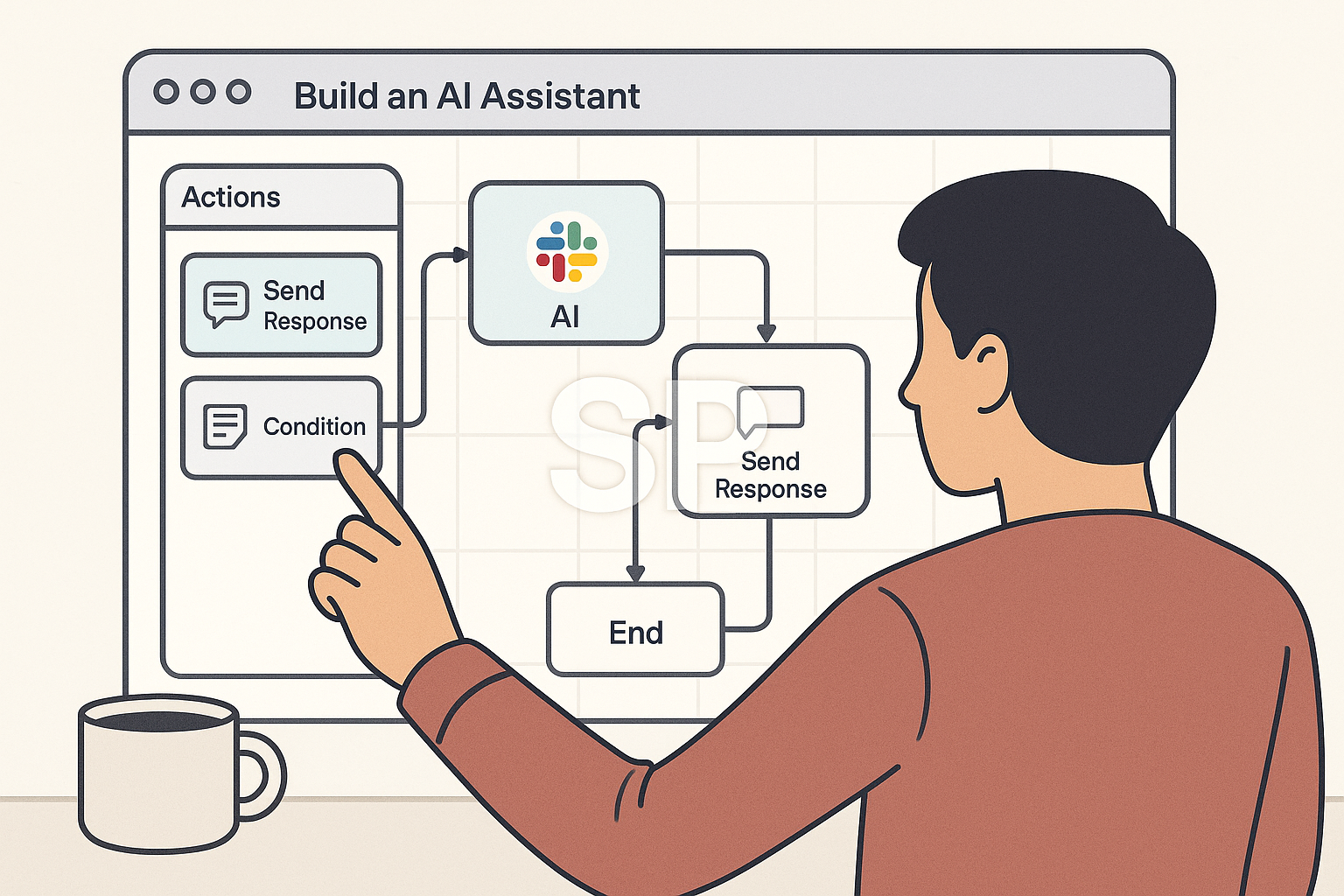
If you’ve never built an automation before, here’s the easiest place to start:
🔹 Use case: Automatically summarize emails from a client
🔹 Tools: Gmail → Zapier → ChatGPT → Notion
🔹 Outcome: Every new client email creates a summarized page in your Notion workspace
This takes less than 30 minutes to build.
Once it's running, you’ll never want to go back.
Final thought: You don’t need to scale—you need to systemize
We often think productivity means “doing more.”
But the smartest people are doing less, better—and letting automation carry the rest.
With just a few AI-enabled workflows,
you can turn overwhelm into focus,
scattered tasks into a clean pipeline,
and recurring stress into consistent execution.
Don’t build more—build smarter.
